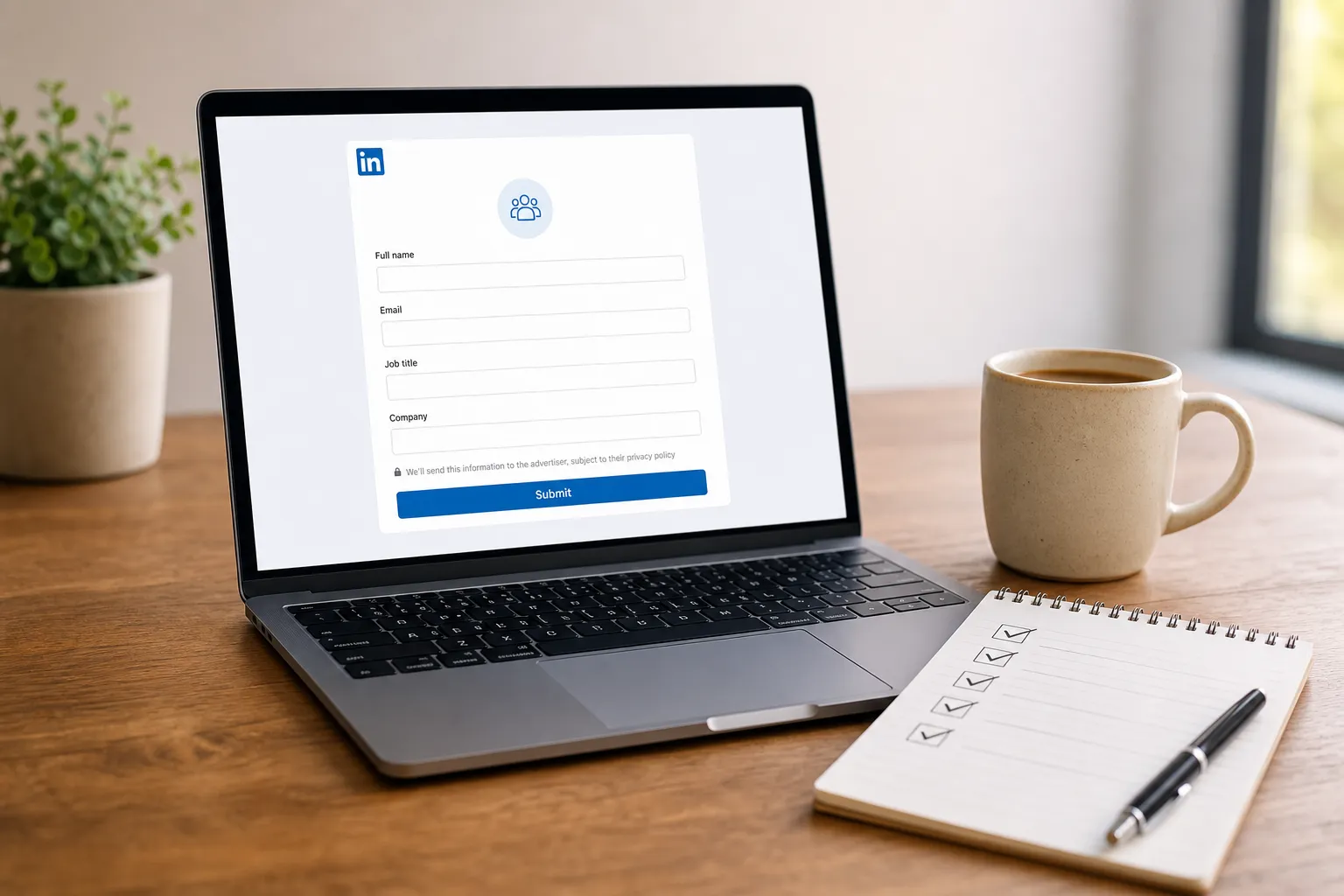
You turned on LinkedIn lead forms and clicks arrived, but completions lagged. That gap usually comes from small missteps you can fix fast: an offer that feels vague, a field that adds friction, or a follow-up that stalls. Use this checklist to tighten each step of your funnel so more qualified prospects finish the form, receive value instantly, and move into a clean, trackable follow-up.
Offer and value promise
Your offer carries most of the conversion weight. Make the promise specific, segment-aware, and obviously useful.
- State a concrete outcome and timeline. Replace soft promises with something someone can picture. Example: "A 7-day onboarding checklist that cuts activation time by 30 percent" or "A Notion calculator to forecast seat utilization in 10 minutes." If the value is immediate and measurable, busy buyers say yes.
- Match the promise to one ICP at a time. If you sell to multiple segments, build separate ads and forms. Call out the role and situation in the headline: "For B2B SaaS PMMs: Launch messaging in 48 hours" performs better than a generic "Marketing template pack."
- Validate with real customer signals. Use public boards and structured feedback to confirm what people want before you ship an asset. This guide to customer feedback software and Canny competitors explains lightweight ways to collect, de-duplicate, and rank requests so your lead magnet aligns with demand.
- Ship a tool, not a brochure. Templates, calculators, and checklists outperform whitepapers because they promise immediate use. With LiFast, you can generate a tailored lead magnet from your URL and audience insights, then deliver it as a clean Notion file or export it as a PDF to lower post-submit drop-off.
- Prime demand in your feed. Post 3–5 snippets that preview the asset’s best ideas. LiFast’s AI learns your voice, drafts natural-sounding posts, and schedules a month of content in minutes so the offer stays visible without daily effort.
Form fields and friction
Shorter forms usually win, but ask what you need to qualify the lead and nothing more. Every extra field is a decision point.
- Start with LinkedIn-prefilled basics. First name, last name, company, job title, and email are often enough for a first touch. Do not ask for a phone number unless your immediate next step is a scheduled call and your audience expects it.
- Add one smart qualifier at most. Use a multiple-choice question like "Team size" or "Current tool" to separate fits from misfits without making people type. Keep choices mutually exclusive and fewer than six options. If you need deeper data, collect it after trust is built.
- Work email vs. any email. Work email can help routing and deliverability. If your audience skews freelance or early-stage, allow any email to reduce friction, then qualify in follow-up.
- Clarify the deliverable with microcopy. Use the description to say exactly what they get and how fast. Example: "Instant access to a Notion template and a step-by-step PDF. No email required to view." Clarity beats clever.
- Test one variable at a time. Change either the offer or a field, not both. Track completion rate and cost per lead in your ad account and in LiFast’s analytics dashboard so you know which adjustment actually moved the number.
- Name fields consistently for routing. Align field labels with your CRM property names to speed imports and avoid messy mapping later. A consistent schema saves hours when you scale.
Consent and compliance
Trust fuels long-term conversion. State what you will do with data in plain language and let people choose ongoing contact.
- Link to a current privacy policy. Make sure the URL is live, readable, and aligned with how you process leads. Update it before launching new forms if your usage changes.
- Separate access from marketing consent. Deliver the asset whether or not someone opts into ongoing emails. Offer a clear checkbox for marketing updates and say what you will send and how often.
- Use short, direct notices for GDPR/CCPA. One sentence that explains purpose and storage duration is enough. Long legal text suppresses completions.
- Honor preferences downstream. Make sure opt-in status flows to the systems your team uses. LiFast’s lead tracking dashboard centralizes captured leads with consent markers so sales and marketing see status at a glance before outreach.
Delivery, routing, and follow-up
The moment after submit is where momentum is won or lost. Deliver value immediately, route cleanly, and follow up with context.
- Deliver the asset on the thank-you screen. Use the button to open the Notion file or PDF directly. With LiFast, lead magnets are created as Notion documents or exported as PDFs, which makes instant access straightforward.
- Offer a single next step. Choose one CTA and explain its value. Examples: "Use the template" or "Book a 15-minute walkthrough to tailor it to your stack." Competing options reduce action.
- Set a fast routing SLA. Decide who owns new leads and what happens within 30 minutes. Whether you sync to a CRM or a spreadsheet, tag each lead with campaign, offer, and date. LiFast surfaces new contacts and tags in a single dashboard so no one hunts through multiple tools.
- Use a 3-touch cadence over 7–10 days. Keep each message short, helpful, and tied to the problem they wanted to solve. If they engage sooner, adapt and stop the sequence.
- Mirror your feed in outreach. Echo the same language and examples that attracted the click. LiFast’s voice learning and post ideas generator give you talking points so DMs and email feel consistent with your posts.
- Measure outcomes that matter. Look beyond opens. Track reply rate, meetings booked, and qualified pipeline by campaign. LiFast’s analytics show which posts and offers correlate with more captured leads so you can double down on what works.
Suggested message templates
- Delivery DM (minutes after submit): "Here is the 7-day onboarding checklist we promised. Start with step 2 for a quick win this week. If you hit a snag, reply and I can point to a sample."
- Value add (day 3): "Teams that cut activation time share one move: they email the Day 1 milestone the Friday before go-live. The template on page 2 has the copy you can paste."
- Soft ask (day 7): "If a 15-minute review of your current onboarding would help, I am happy to look and share one idea. No deck. Want me to send a couple of times?"
Key takeaways
- Specific, segment-focused promises and useful assets drive most completions.
- Limit fields to essentials plus one multiple-choice qualifier to cut friction.
- Make consent clear, deliver value instantly, and route leads within 30 minutes.
- Use a short, problem-led follow-up and keep your feed active with scheduled posts.
- LiFast runs this workflow end to end: it analyzes your URL and audience, creates lead magnets as Notion files or PDFs, generates and schedules a month of LinkedIn posts, and centralizes lead tracking so you get consistent inbound leads in under 10 minutes a week.
Implement the checklist, then iterate one variable at a time. As you see which offers and posts capture the most qualified leads, use LiFast to produce natural-sounding content, deliver tight assets, keep your calendar full, and maintain a clean pipeline from impression to reply.
Ready to automate your LinkedIn marketing?
LiFast generates posts, creates lead magnets, and schedules your content calendar on autopilot.
Get Started Free